




 Post Project


 Continue with Facebook
 Continue with LinkedIn


Entry statistics
0 views
 0 views
0 appreciations
 0 appreciations
Entry content

Entry content
Entry content
Entry content
Entry content
Entry content
Entry content
Entry content
Entry content
Entry content
Entry content

Entry content
Entry content

Entry content

Entry content

Entry content
Entry content
Entry content
Entry content

Entry content

Entry content

Entry content
Entry content
Entry content
Entry content
Entry content
Entry content
Entry content
Entry content
Entry content
Entry content
Entry content
Entry content
Entry content
Entry content
Entry content
Entry description
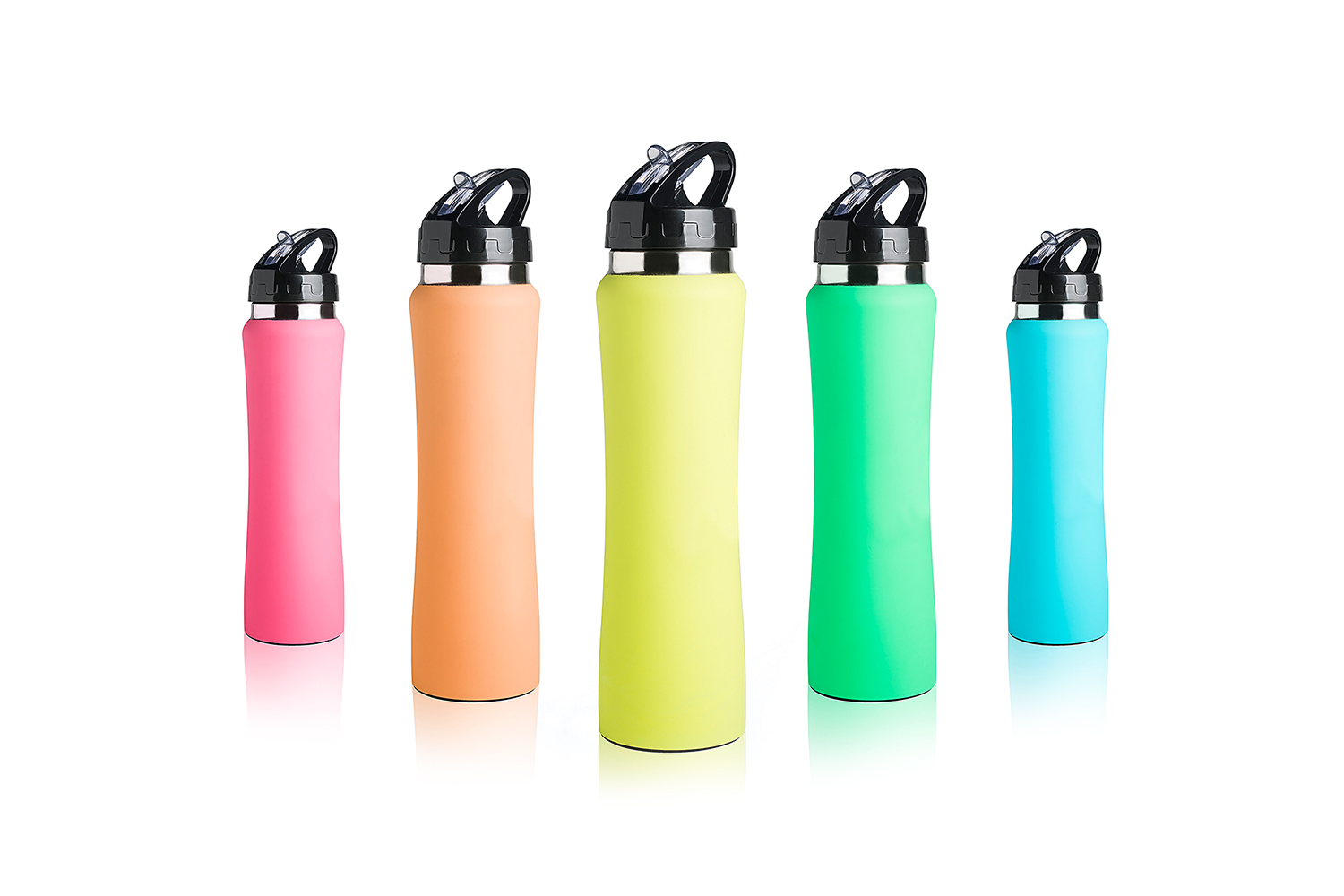
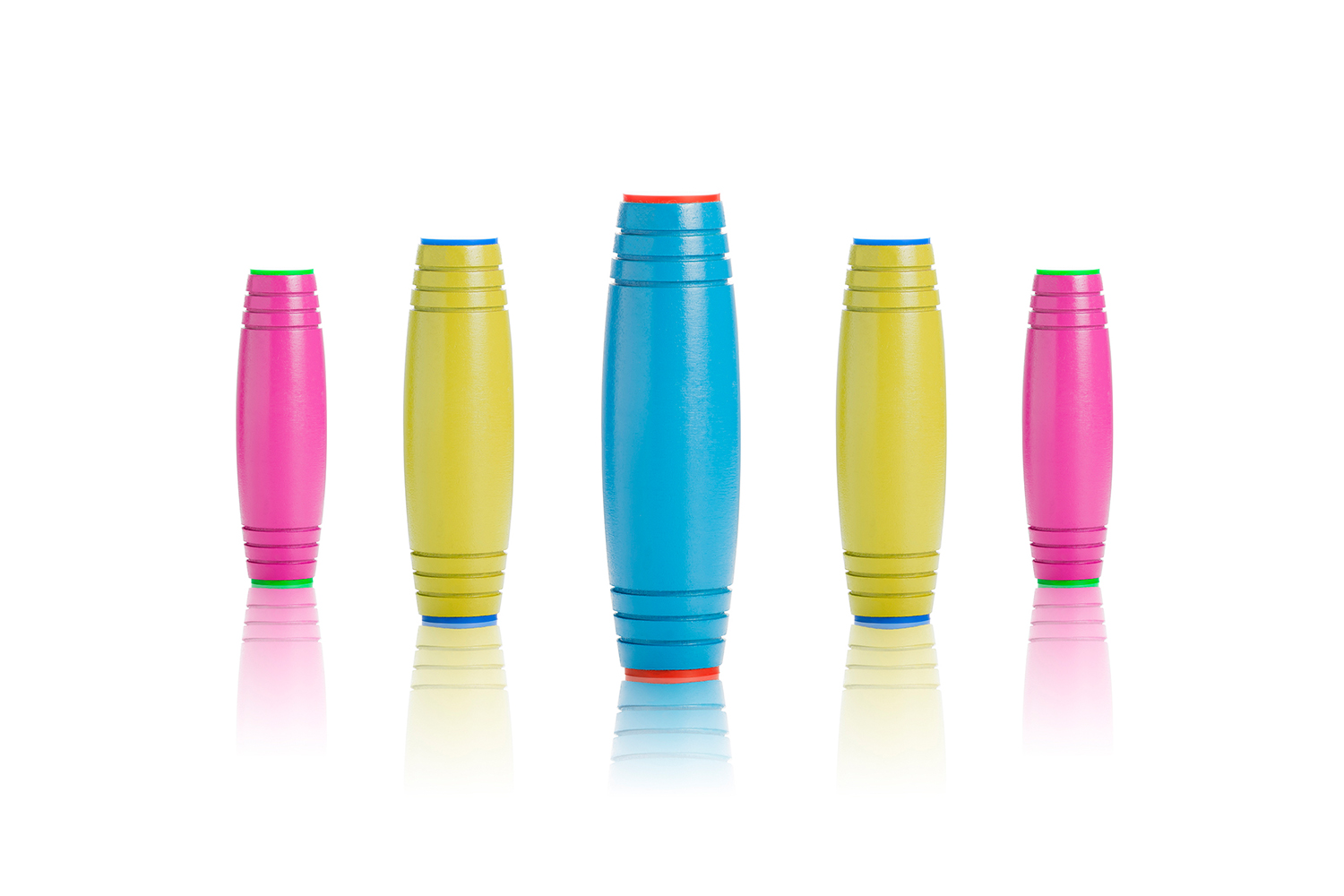
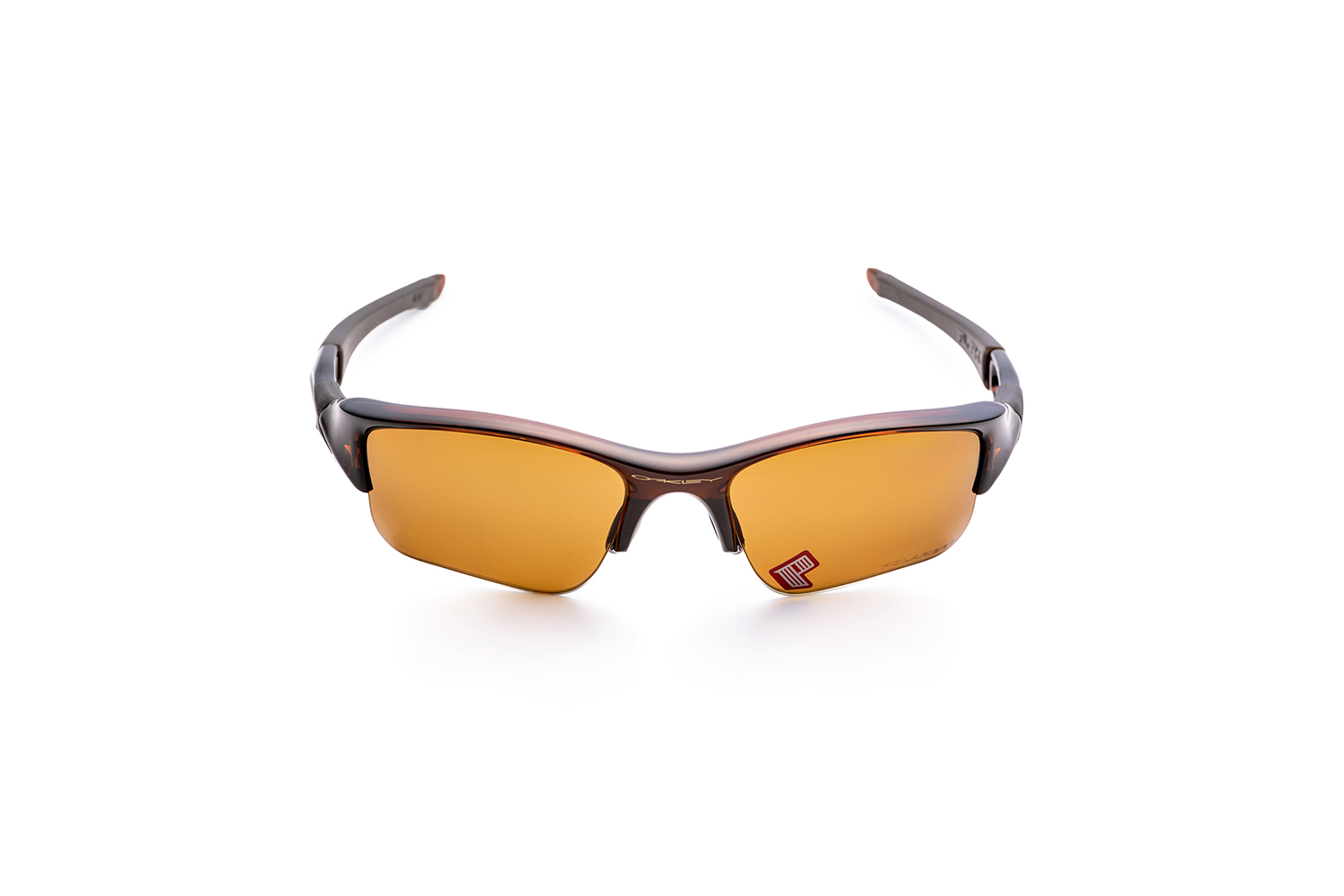
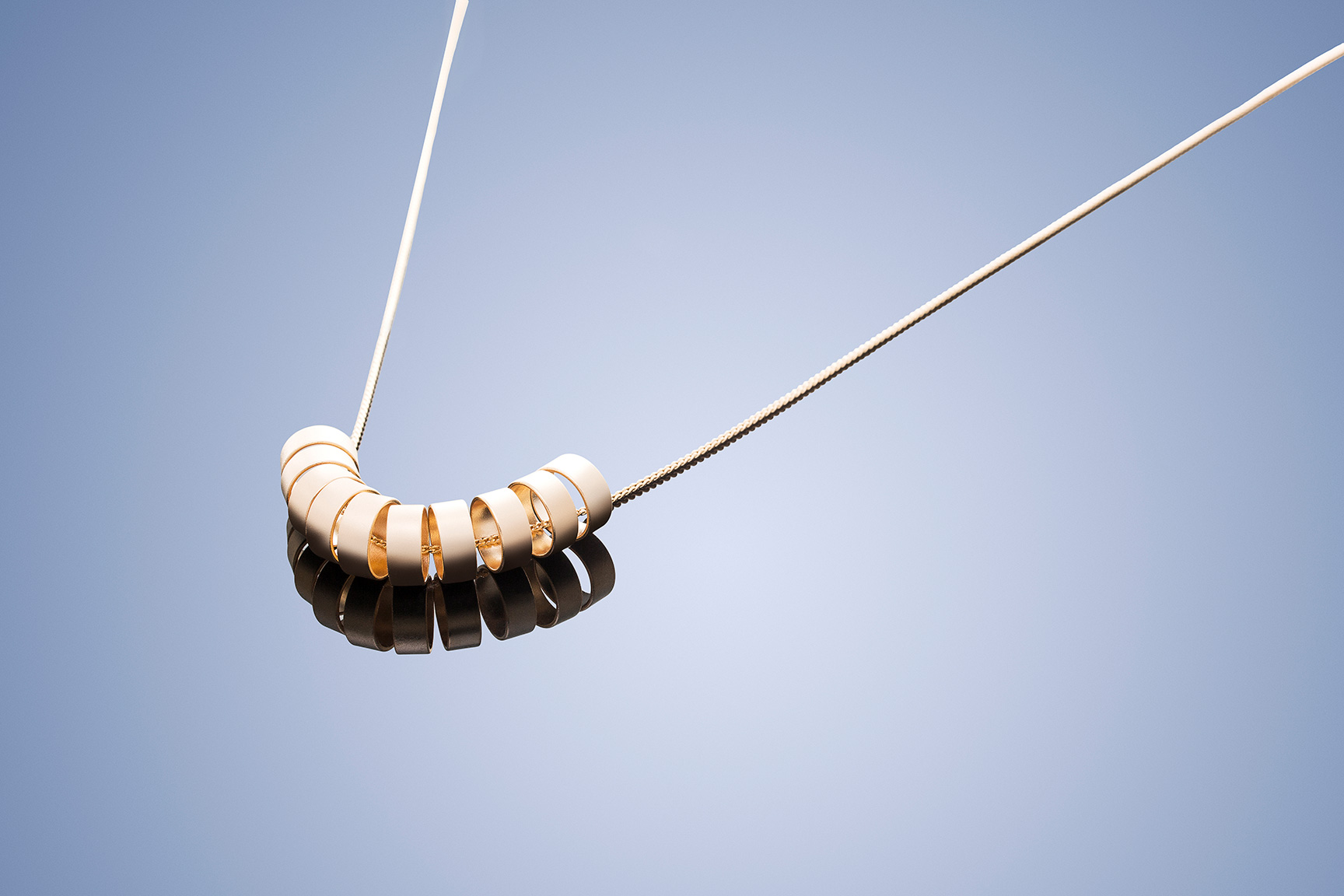
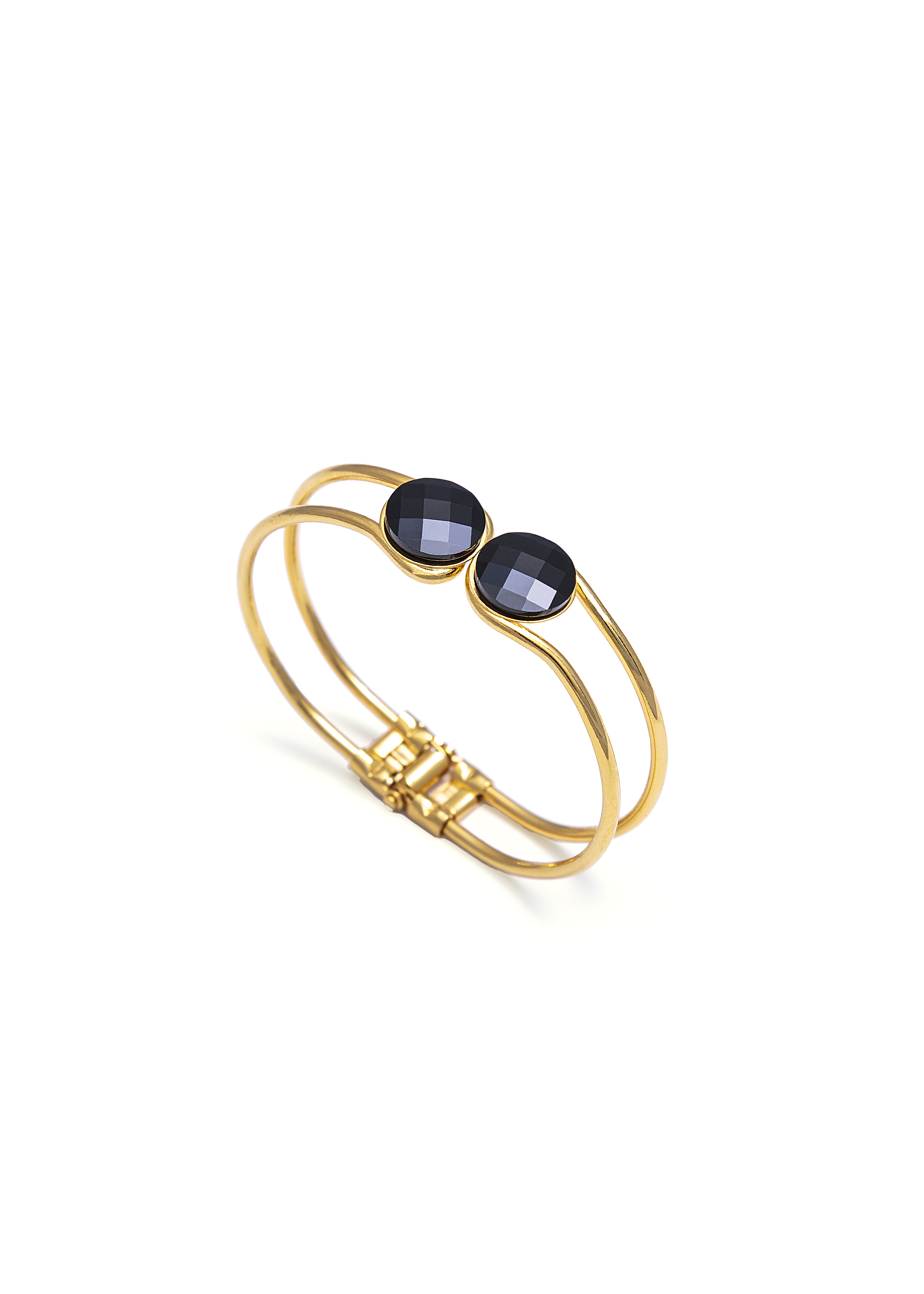
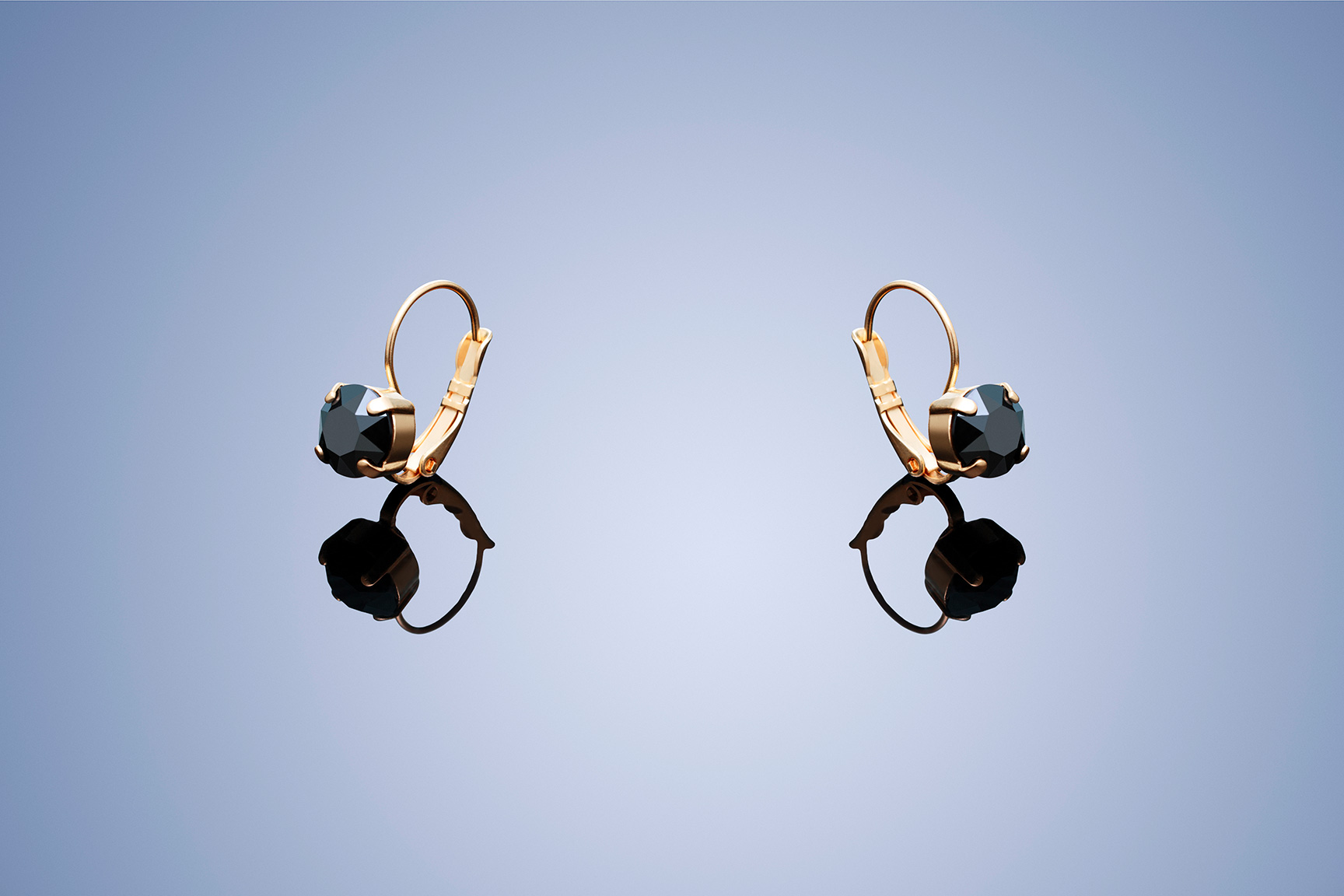
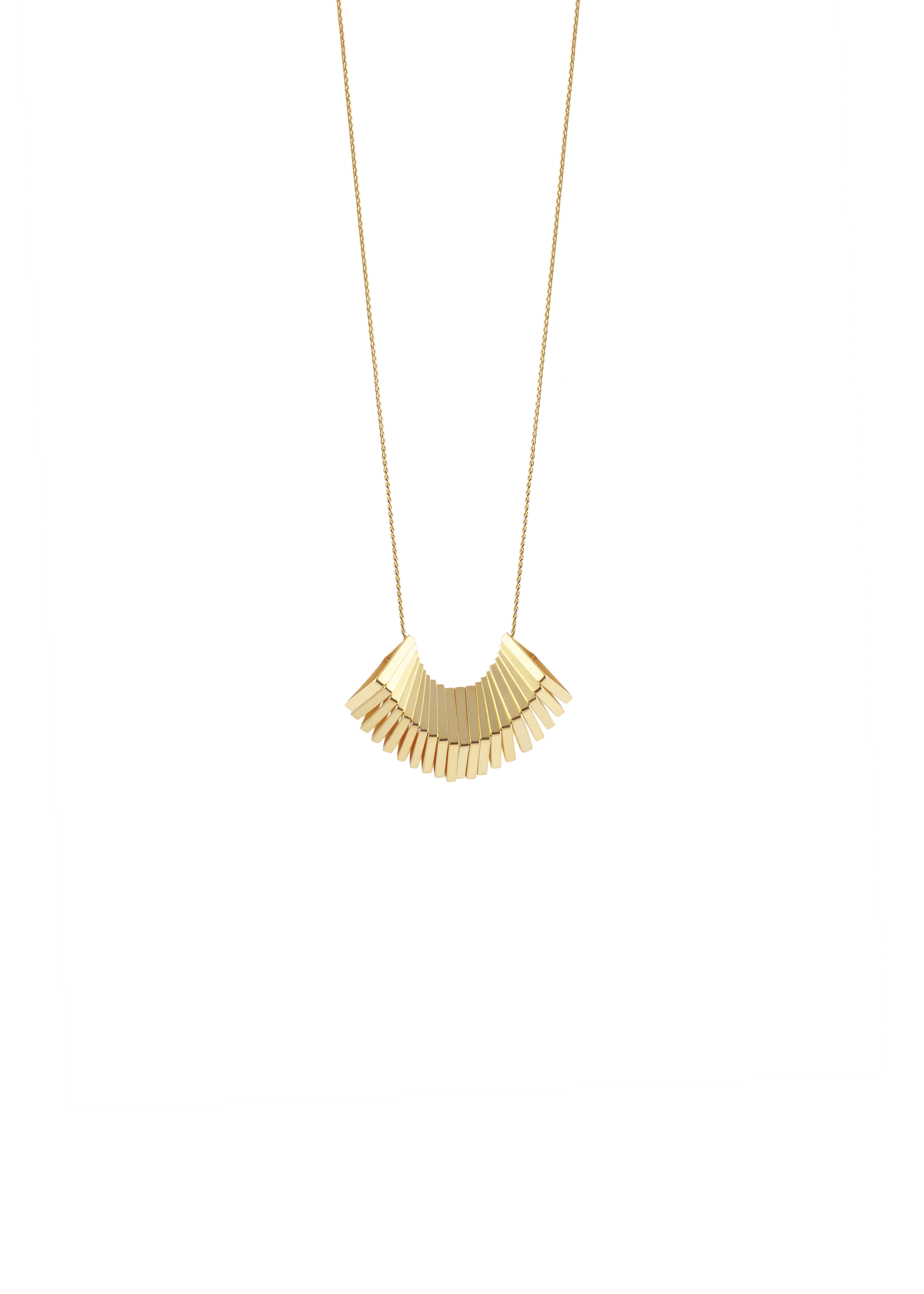
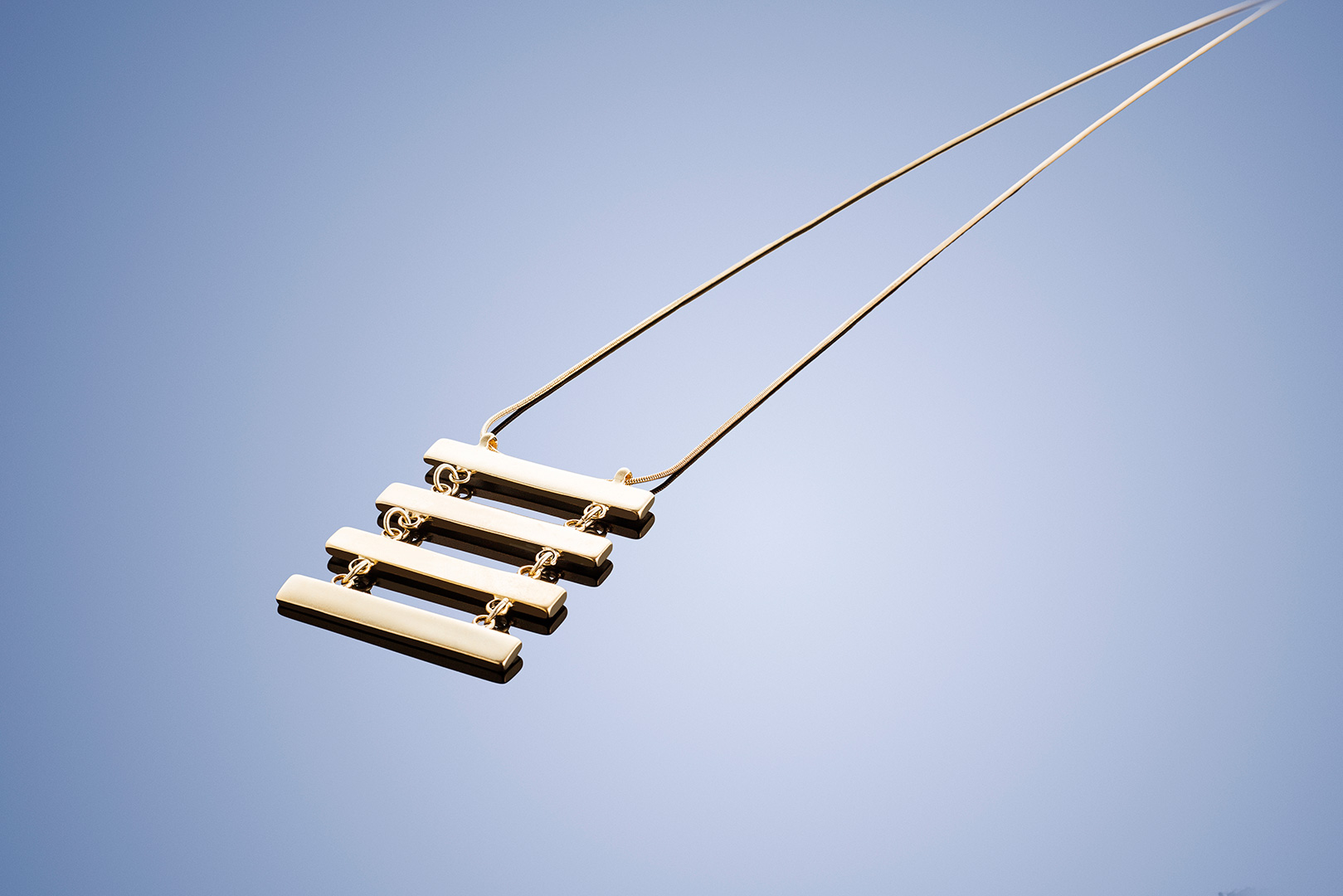
In this full tutorial, you will see how i retouch my images, you will see changing backround, refine edge, frequency separation, dodge & Burn, remove blemishes, color correct.
Follow Me On Social Media:
Instagram: https://www.instagram.com/avigamlielphotographer/
Facebook: https://www.facebook.com/Avi-Gamliel-Photographer-929392647127421/
WEB: http://www.avigamlie.com
Music: http://www.bensound.com.mp3
Follow Me On Social Media:
Instagram: https://www.instagram.com/avigamlielphotographer/
Facebook: https://www.facebook.com/Avi-Gamliel-Photographer-929392647127421/
WEB: http://www.avigamlie.com
Music: http://www.bensound.com.mp3
Add Response
0 Responses
 Add Response
0 Responses
Add Response
0 Responses
Please
sign in
to respond


